
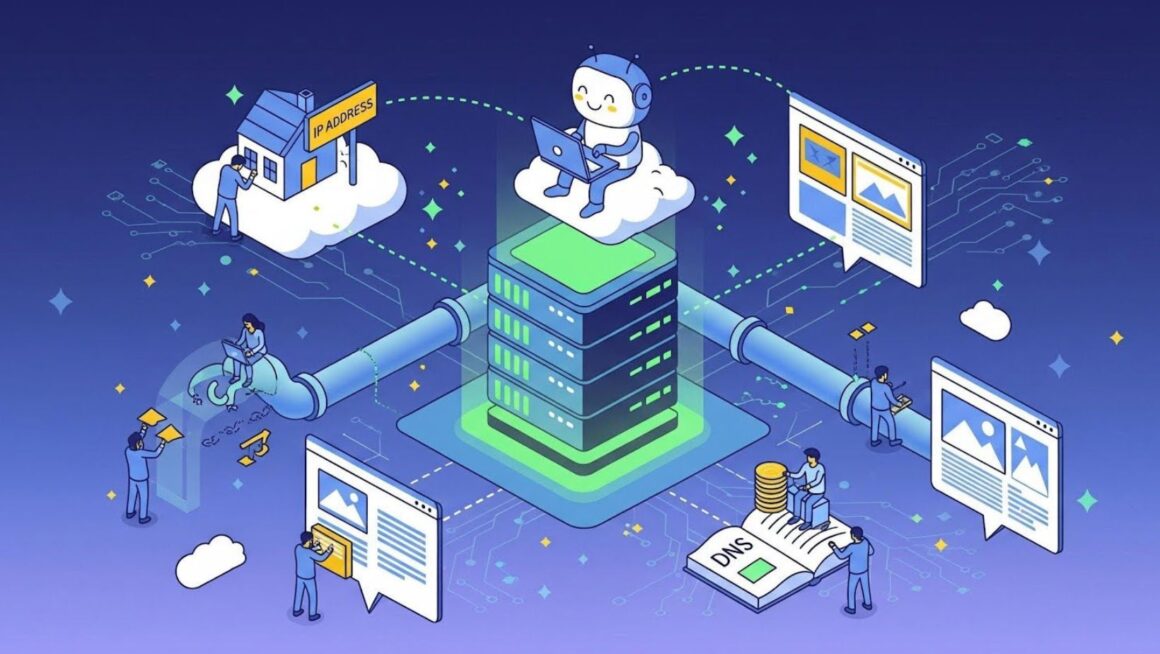
Chances are, that if you own a website, you invested a lot of time and money into web design, search engine optimization (SEO), and regular updates. That’s great, but what about website security?
This aspect alone can make or break a business. Not only does a secure website deter cyberattacks and protect customer data, but it also builds trust in your brand. In the long run, it can enhance your reputation, boost your SEO efforts, and improve the user experience.
Website security requires technical knowledge, but there are a couple of things you can do yourself to mitigate cyber risks. For example, you can use a website builder that provides secure hosting, multi-factor authentication, and SSL certificates. You’ll also want to limit login access, run regular malware scans, and install a web application firewall (WAF).
Ready to get started? Follow these leading practices to protect your website and customer data from cyber threats.
TL;DR
- Website security is crucial for protecting customer data and maintaining brand trust, with 60% of businesses citing reputational damage after a cyberattack.
- Use a secure hosting provider with features like daily backups, firewalls, and SSL certificates; these measures can mitigate cyber risks effectively.
- Implement strong, unique passwords and two-factor authentication to safeguard sensitive information against unauthorized access.
- Regularly conduct security audits and manage user access to limit vulnerabilities, as 38% of businesses faced bad publicity from data breaches.
- Start prioritizing security from the outset to avoid costly repercussions down the line.
Make Your Website More Secure in Five Steps
According to a 2024 survey by international insurance group Hiscox, the number of cyberattacks is increasing year after year, affecting businesses of all sizes. More than 60% of respondents agreed that such an event would cause reputational damage and impact their bottom line.
Nearly half of the companies hit by a cyberattack in the last year said it has become harder to win over new customers, and 43% reported losing customers because of it. 38% got bad publicity, which hurt their public image, and 21% lost business partners.
The study was conducted in the UK, but things are not much different in other countries. In 2024, U.S. authorities recorded 3,158 data compromises affecting 1.35 billion people. Most cyberattacks targeted the financial services, professional services, and healthcare industries.
Small businesses are often at higher risk because they lack the knowledge and resources to secure their data. Compared to large organizations, they take longer to recover from cyberattacks and may experience losses that force them to shut down.
On the positive side, there are steps you can take right now to secure your small business website. Here’s what you need to do.
- Choose a Secure Web Host
A weak web host leaves every layer above it vulnerable, putting your site files and database at risk. It’s like renting a house with no locks on the doors.
With that in mind, choose a hosting provider that puts security at the core of its operations. Make sure it offers the following:
- Daily automatic backups
- Firewall and DDoS protection
- 24/7 monitoring and threat detection
- Regular server patching and updates
- Two-step authentication
- HTTPS and SSL/TLS certificate
- Malware scanning
For example, a Secure Sockets Layer (SSL) or Transport Layer Security (TLS) certificate encrypts user data, protecting your site from phishing attacks, man-in-the-middle (MITM) attacks, tampering, and other threats. Without this digital document, you can’t use HTTPS, which means any data exchanged between your website and its visitors can be intercepted in transit.
If your web host doesn’t have one or more of these features, you can get them through third-party apps. The downside is that you may encounter compatibility issues and incur additional costs.
- Use Strong, Unique Passwords
In one survey, 37% of professionals said they used their employer’s names in a work-related password. More than one-third used their significant other’s name or birthday, and 31% used their child’s name or date of birth. Respondents also admitted to sharing work-related passwords with personal contacts, such as family members.
These practices leave the door open to cyberattacks, putting your business at risk. For instance, 17 out of the 20 most common passwords, such as “123456,” “admin,” and “user,” can be cracked in one second or less.
The best thing you can do is use a password manager like Bitwarden or LastPass to generate strong, unique passwords. Aim for around 16 characters, including symbols, numbers, uppercase, and lowercase letters, and change your passwords at least once every three months.
- Implement Two-Factor Authentication (2FA)
Enforce 2FA on all admin logins and web pages containing sensitive data, such as user accounts and checkout pages. Two-factor authentication adds an extra layer of security, reducing the risk of unauthorized access.
Let’s say you run an online store selling handmade jewelry. Enabling 2FA on the admin dashboard and customer accounts would prevent unauthorized users from accessing order history, payment details, inventory records, and other sensitive data.
For example, you could ask customers to enter both a password and a verification code sent to their phones. Go one step further and implement a system to limit the number of unsuccessful login attempts.
- Block Malicious Bot Traffic
Did you know that not all website visitors are human? Some are malware bots that can scrape your content, spam your forms, and exploit vulnerabilities on your site.
These apps can also be programmed to:
- Send out spam or phishing emails using your domain name
- Launch distributed denial of service (DDoS) attacks
- Redirect users to fake login pages or spammy websites
- Mine cryptocurrency, draining server resources
- Host malicious files that could hurt your SEO
- Limit User Access
Business websites often have multiple users, from developers and administrators to content writers. Each of these people represents a security risk. That’s why you should monitor and manage their access based on the principle of least privilege.
Simply put, they should have only the minimum access necessary to perform their tasks. For instance, you can allow content editors to update your blog posts and product descriptions but not modify security settings. If any of them has their account compromised, the damage will be contained.
That said, create individual accounts for each user and implement role-based permissions. Review the list of users every three months or so, remove old accounts (e.g., former employees), and tighten up loose permissions. It’s also a good idea to enable multi-factor authentication for each account.
Prioritize Website Security from the Start
Take the time to secure your website from the start, not when something goes wrong. Even a minor data breach could stain your reputation, leading to missed opportunities and lost revenue.
Like with most things, it’s all in the details. For example, you might not think much about your passwords, but they’re often the first line of defense between your site and potential threats. Similarly, small steps like removing old user accounts and blocking bot traffic can reduce cybersecurity risks.
If your site is up and running, conduct a security audit to detect and address vulnerabilities. If you don’t have a website yet, start by choosing a secure web host and implementing the steps above. Meanwhile, train your staff on how to prevent, identify, and respond to cyberattacks and provide them with the tools they need to take proactive action.
FAQs
- How often should you conduct website security audits?
Conduct a full security audit at least once every quarter and after any major change, such as a website redesign. Do it monthly or more often if you run an eCommerce site, handle sensitive data, or make frequent updates.
- What is a web application firewall?
Web application firewalls are security tools that protect your site or app from cyber threats. They filter, monitor, and block malicious traffic, reducing the risk of malware infections, brute-force attacks, zero-day exploits, and more.
- What’s the difference between HTTPS and SSL/TLS?
These technologies are closely related but serve different roles. SSL/TLS encrypts data between your website and visitors, whereas HTTPS is simply HTTP (HyperText Transfer Protocol) with SSL/TLS encryption. Basically, the latter leverages the encryption provided by SSL for secure communication.