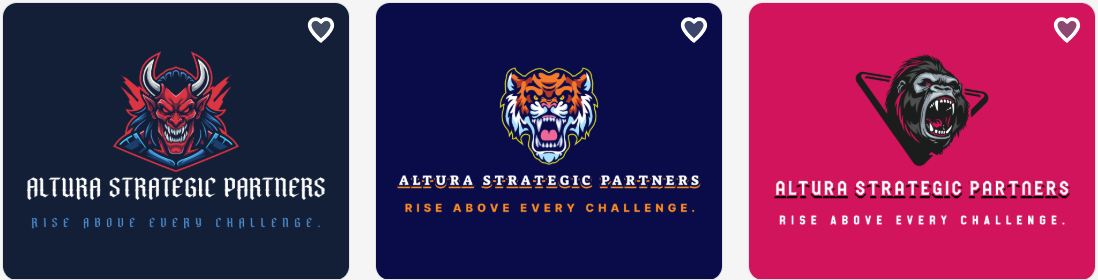
A logo is more than just an image. It represents your brand. AI logo makers make the process fast and easy, but not all platforms are the same.
Not all logo makers deliver the same results. Some focus on speed, while others focus on customization or design depth. The real difference comes from how complete the logos feel and how much work is needed after generation. A strong tool should save time while still producing professional results.
Below, we compare Design.com, Logomakr, and Freelogodesign to see which one truly helps build a brand.
Quick Feature Comparison
|
Feature |
Design.com |
Logomakr |
Freelogodesign |
|
Speed |
Very fast |
Medium |
Medium-fast |
|
Logo Design Quality |
Professional, balanced, ready-to-use |
Amateur to semi-professional |
Average, often generic |
|
Quantity of Options |
Thousands of options |
Limited |
Few dozen |
|
Customization Level |
High – full control over icons, text, colors |
Medium – manual adjustments |
Low – basic edits only |
|
AI Features |
Advanced AI editing and generation |
Minimal AI support |
Limited AI assistance |
|
Ease of Use |
Beginner-friendly with guided flow |
Simple but manual |
Very simple interface |
|
Editing Experience |
Smooth, fast, AI-assisted |
Drag-and-drop, slower workflow |
Basic editor, fewer controls |
|
Design Consistency |
Strong – auto-balanced layouts |
Inconsistent results |
Often unbalanced layouts |
|
Branding Tools |
Business cards, flyers, social media, websites |
Very few |
Logos only |
|
File Formats |
SVG, EPS, PDF, PNG, JPG, GIF, MP4 |
PNG, JPG, limited vector |
PNG, JPG |
|
Print & Merchandise |
Yes – print on multiple items |
No built-in options |
No built-in options |
|
Commercial Safety |
Checked for originality |
User responsible |
User responsible |
|
Collaboration Tools |
Feedback and sharing options |
Limited |
Limited |
|
Learning Curve |
Very low |
Low |
Very low |
|
Best For |
Full branding and professional use |
Simple DIY logos |
Free, quick logo ideas |
Design.com
Design.com is a full branding platform. It creates logos and brand assets quickly. It is designed for both beginners and professionals. It focuses on speed, quality, and ease of use.
Strengths
- Speed: Very fast. You can go from entering your business name to a finished logo in seconds.
- Quality: Professional, ready-to-use logos. Fonts, colors, and layouts are automatically balanced.
- Quantity: Thousands of relevant logos generated in seconds + 400K+ logo templates.
- Editing Tools: Built-in AI tools for editing icons, text, and colors. A simple chat interface allows for smart adjustments.
- Commercial Safety: Logos are checked for originality and can be found on Design.com only.
Benefits Worth Considering
- A free tier for a wide range of downloadable templates, all 100% free to publish.
- 50+ branding assets.
- Exclusivity guaranteed.
- An intuitive interface.
- Generated logos are suitable for any industry.
- Professionally crafted designs.
Cons
May feel lighter compared to enterprise-grade tools, but ideal for hassle-free workflows for small teams

Design.com provides a complete branding solution with minimal editing required. It works well for both quick projects and long-term branding. It is suitable for businesses of all sizes.
Logomakr
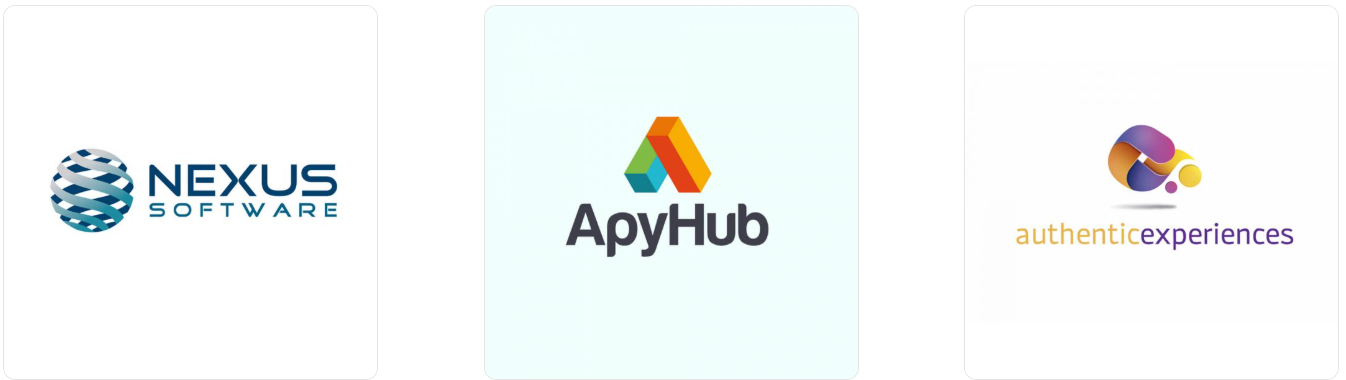
Logomakr is easy to use, but it is best for basic logos. The platform offers quick results without advanced features.
Strengths
- Speed: Medium. Several steps are needed, including selecting colors, fonts, and layouts.
- Quality: Amateur to semi-professional. Some logos are usable, but many need adjustment.
- Quantity: Limited number of options generated.
- Editing Tools: A drag-and-drop editor. Basic controls offer limited AI assistance.
- Additional Assets: Few options beyond the logo.
Limitations
- Limited customization.
- Logos often need manual editing.
- A few extra branding assets.
Logomakr is suitable for quick, simple logos but not for building a complete brand identity. Users may need to adjust designs manually to achieve professional results.
Free Logo Design
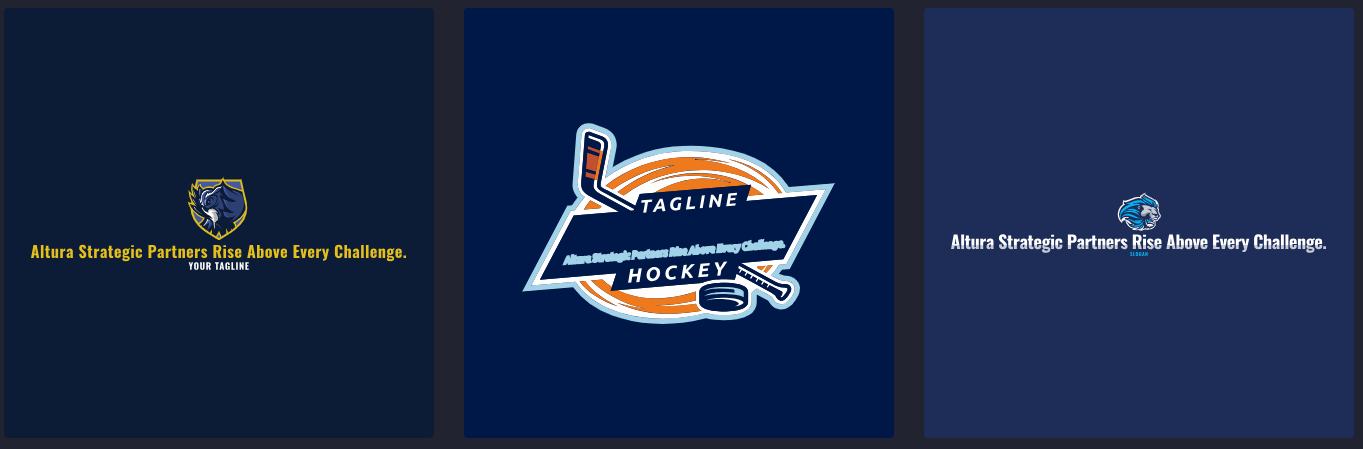
Free Logo Design allows for quick logo creation, but with limited options. The platform is simple enough for beginners to use without prior design experience.
Strengths
- Speed: Medium. Logos are generated quickly but may need editing.
- Quality: Average. Many designs feel generic or unbalanced.
- Quantity: A few dozen options generated.
- Editing Tools: A basic editor allows simple color, font, and layout changes, with minimal AI assistance.
- Additional Assets: Mostly limited to logos.
Cons
- Limited customization.
- Logos may feel generic.
- Minimal branding support beyond logos.
Freelogodesign works for quick, free concepts but not for professional branding. It is best suited for temporary logos or initial concepts rather than long-term brand identity.
Final Verdict
Building a strong brand starts with a logo that feels complete and professional. The right logo maker should provide speed, quality, and a variety of options. Choosing the right logo maker depends on your goals.
For a platform that offers professional logos quickly, generates thousands of options, and includes multiple branding tools, Design.com is worth exploring for your next logo project.
In the end, the right choice depends on your goals and workflow. Some users need quick results with minimal effort. Others look for more control and flexibility. It’s important to consider how much editing is required and whether the platform supports long-term branding needs.